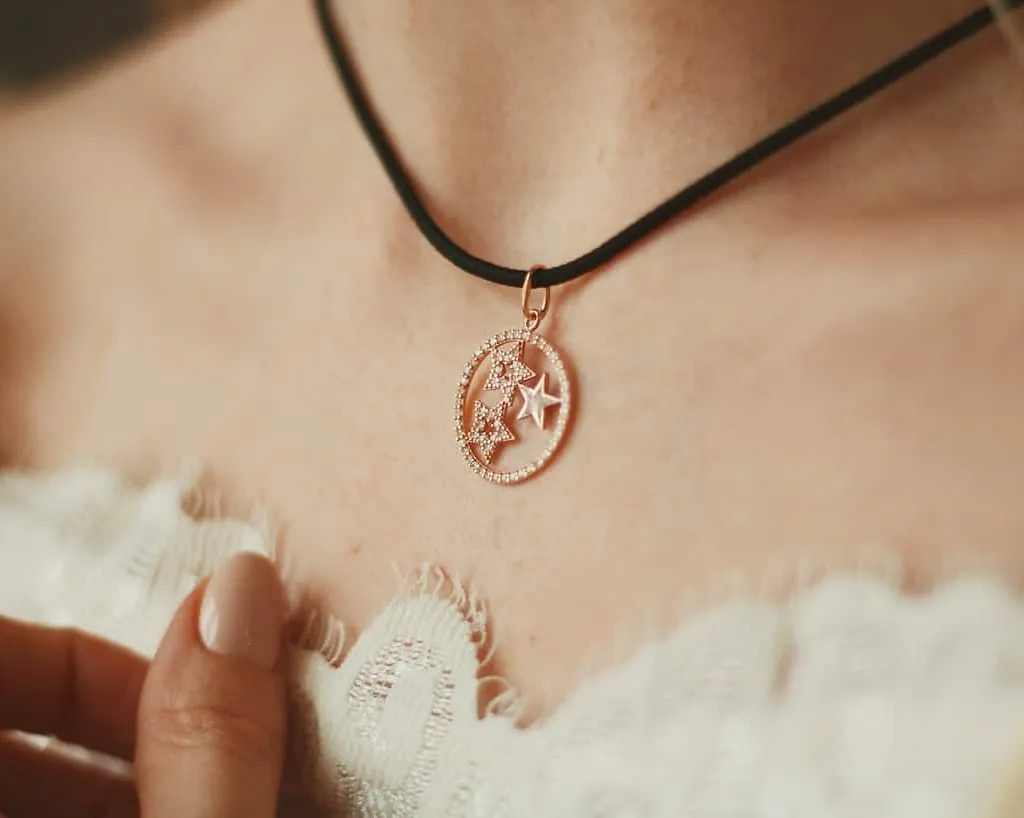
Single-photo preview
Use one shopper photo to generate a personal product preview in the browser.
For fashion, jewelry & accessories brands
Give apparel, footwear, jewelry and accessories a personal preview. Shoppers upload a photo and explore how your products could look on them, right from the product page.
Put the product first
A piece can look beautiful on a model and still leave a customer wondering. Vizbl AI Photo Try-On brings the collection into a preview made from the shopper's own photograph.
The shopper experience
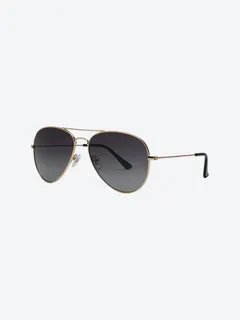
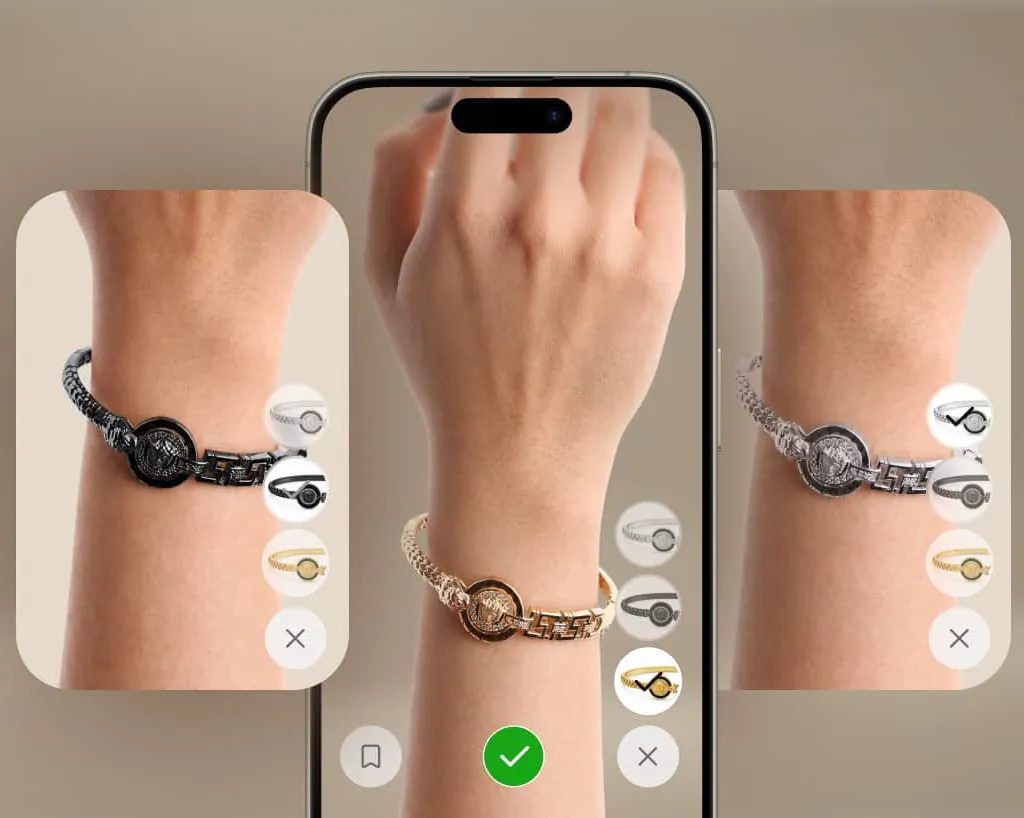
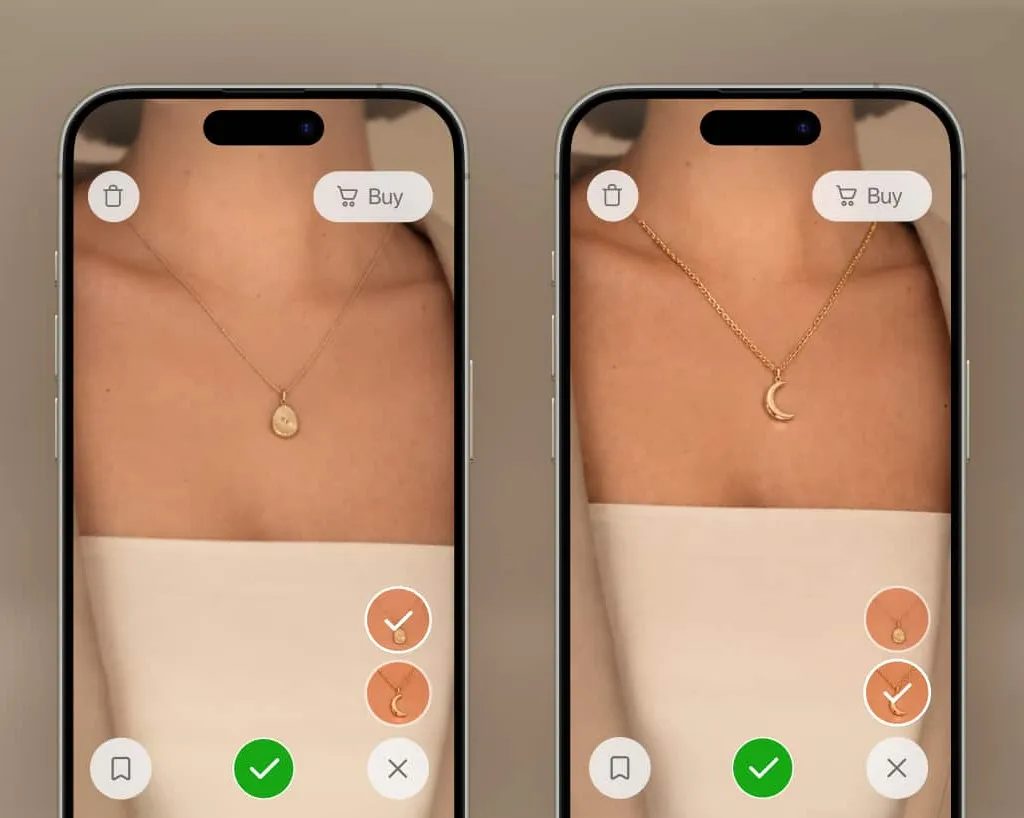
Generate a personal preview for clothing, shoes, headwear, eyewear, jewelry, watches, bags and belts. Shoppers can compare prepared variants such as frame colors or metal finishes on their own photo.
Explore the productBuilt around your collection
Use one shopper photo to generate a personal product preview in the browser.
Show dresses, tops, bottoms and shoes using the appropriate category setup.
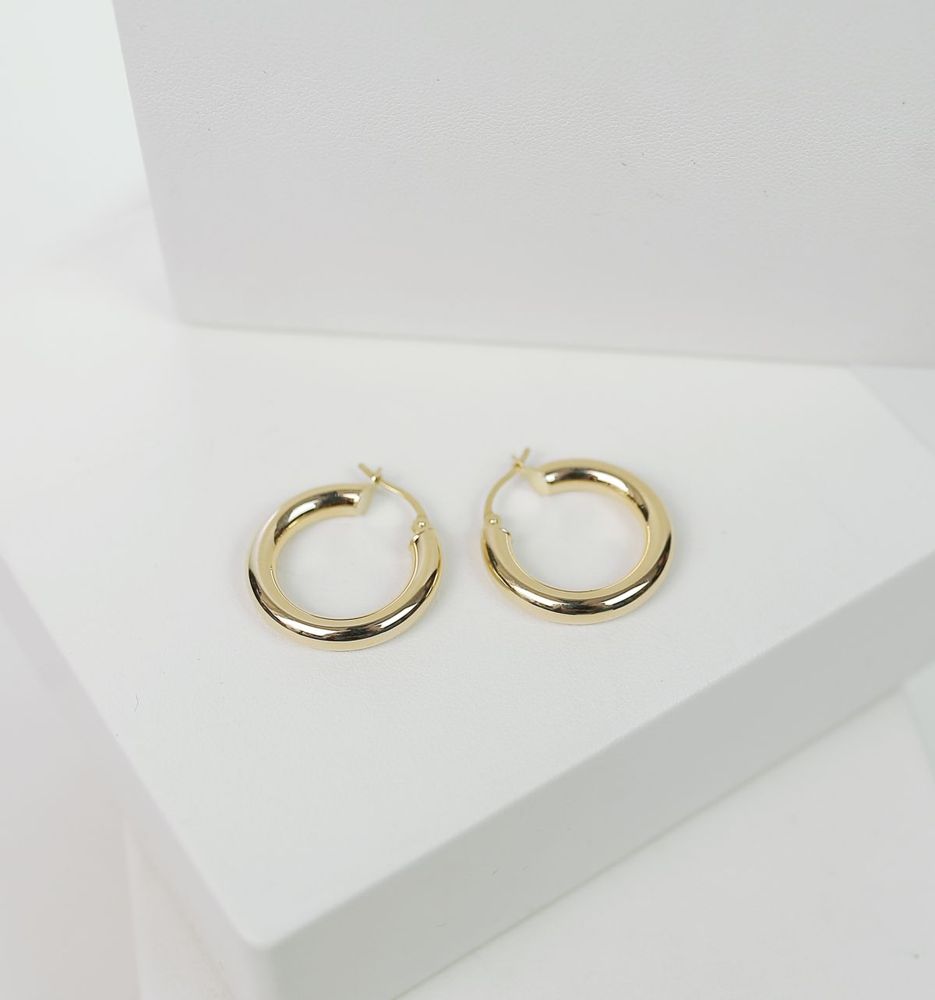
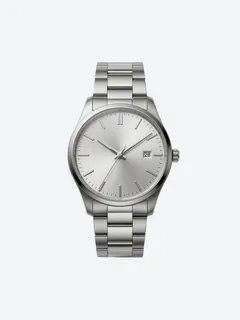
Preview rings, earrings, necklaces, bracelets and watches on the relevant body area.
Give frames, sunglasses, hats and caps the context of the shopper's own image.
Extend personal previews to accessories that complete a collection.
Let shoppers compare configured metals, gemstones, frame colors and finishes.
From product to platform
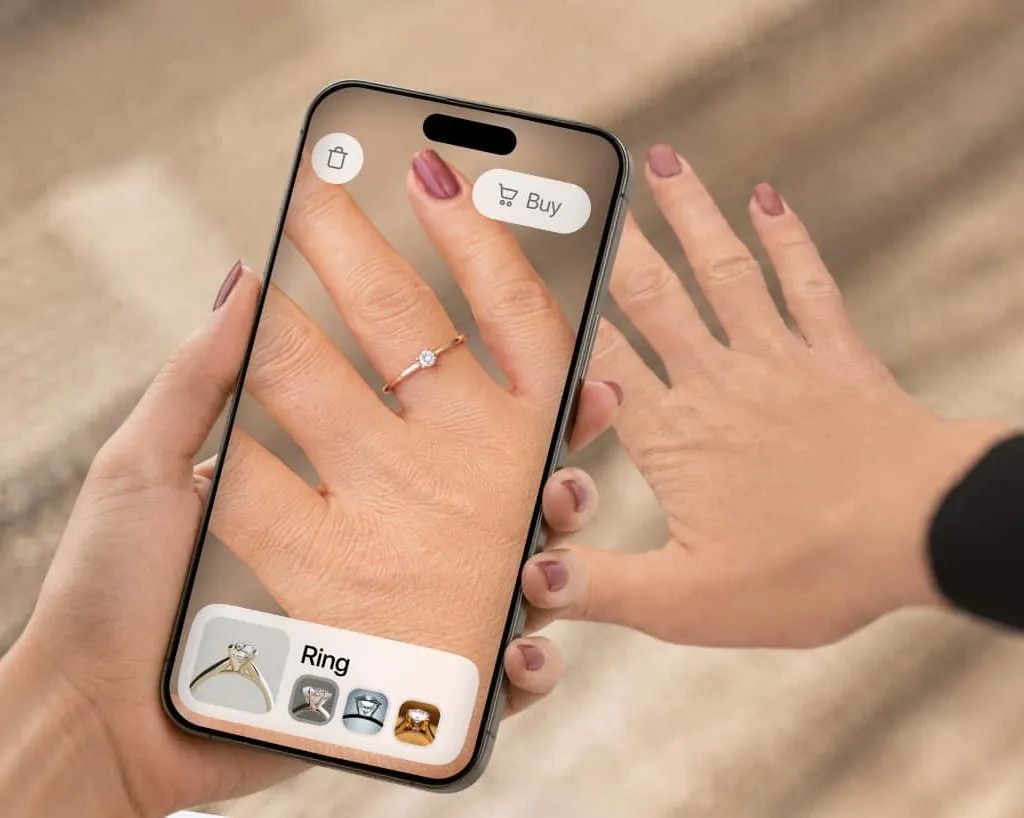
Start with suitable product photography, names and product URLs. Vizbl prepares the category and variant setup, then a product-page button opens the photo try-on. No conventional 3D model is required.
See how implementation worksExplore Vizbl
Real product examples and visual references for your next catalog.
Meet the people behind the product
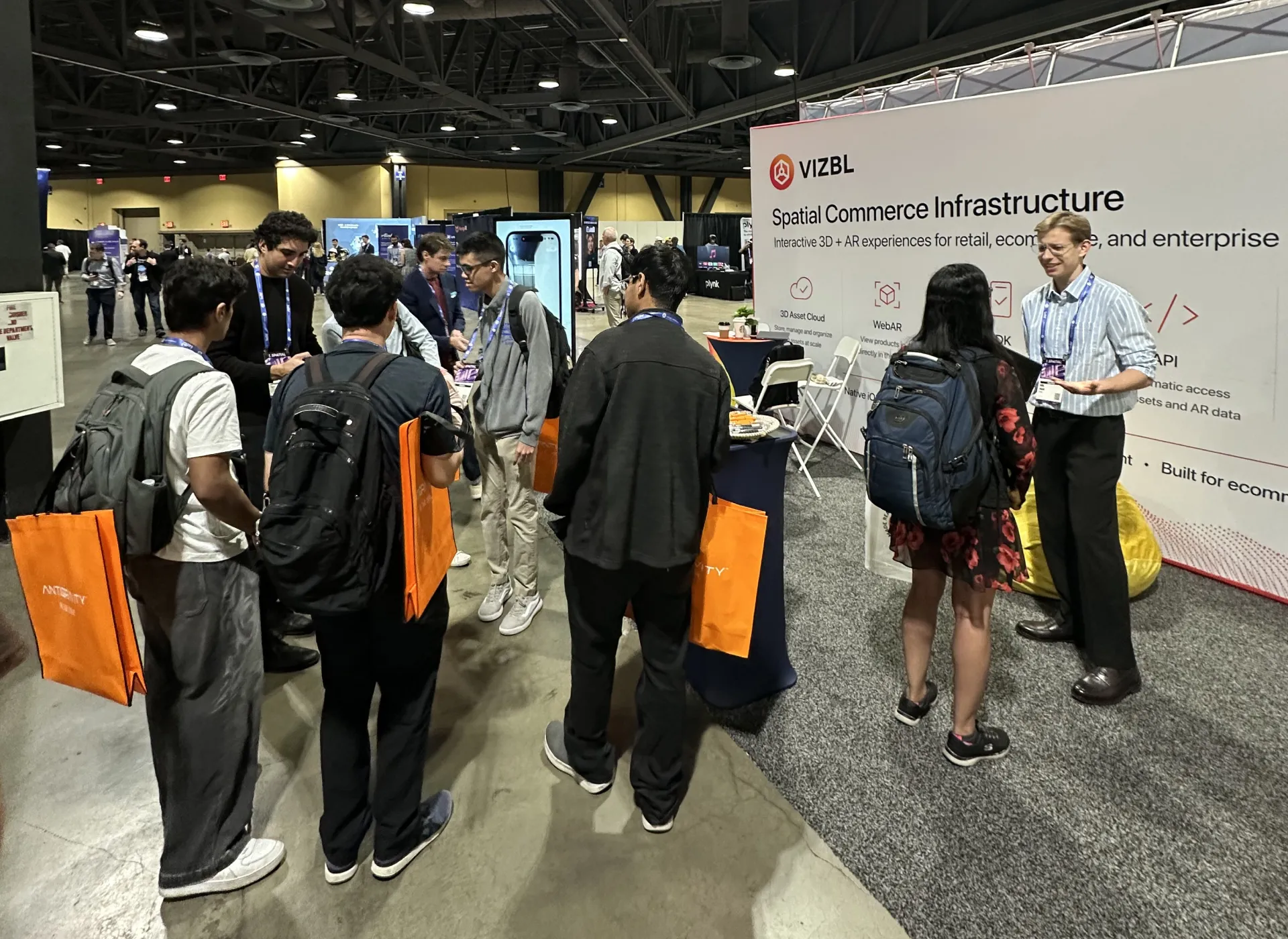
Vizbl brings designers, engineers and 3D artists together around one idea: help people understand products before they buy.
About VizblThe try-on journal
Build a focused pilot around a real buying question, a useful product group, and clear expectations for the preview.
Read the guide AI Try-OnA practical launch guide for merchandising and ecommerce teams, from image selection to product-page checks.
Read the guide AI Try-OnEvaluate shopper use, output quality, purchases, and operating cost without treating every interaction as a business result.
Read the guideYour collection. Your next step.
Bring representative product images and the category you want to launch. We will demonstrate the photo workflow and review storefront integration.
Let’s talk about your catalogA conversation with the Vizbl team.